Solo
$9.99 one time
1 videos · 1 credits
One photo, one merry dance.
Choose SoloOne photo. Ten seconds. The group chat will lose it.
Upload a photo and MerryMoves turns that person into a very merry dancer in a festive Santa suit. A 9:16 clip for Reels, TikTok and the family group — gift-wrapped in about a minute.
Google sign-in identifies your account for credits and videos. MerryMoves does not request Gmail, Drive or Contacts access. Privacy policy
Starts with a photo already on your phone.
Reference clip from the AI Christmas dance trend at alephai.app . External footage, not a customer result.
MerryMoves is a focused photo-to-dance video service. Choose the tool for product details or start with the occasion that brought you here.
No editing skills, no timeline, no export settings. If you can send a photo, you can do this.
Full body, feet in frame, even light. A phone photo from the living room is enough. Only upload people you have permission to use.
Sign in with Google and create it for 1 credit. No quote step, no subscription, and failed or unconfirmed tasks return the credit.
A 10-second vertical clip, 720 × 1280. Download it, drop it in the group chat, add your own music when you post.
Stills from the reference clip. Your result follows the same costume, camera and choreography, with your photo in the middle of it.
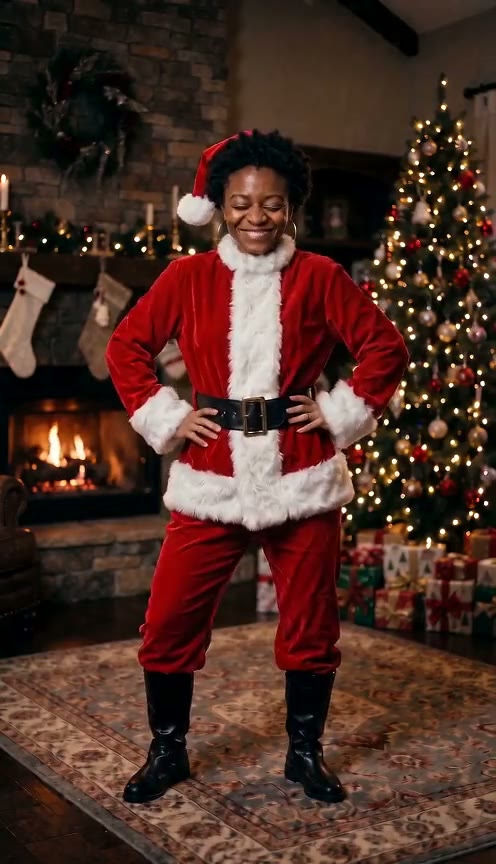
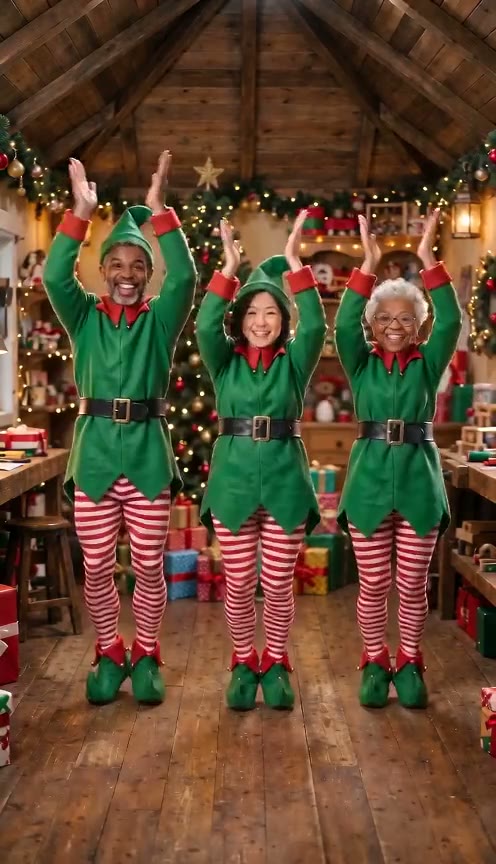
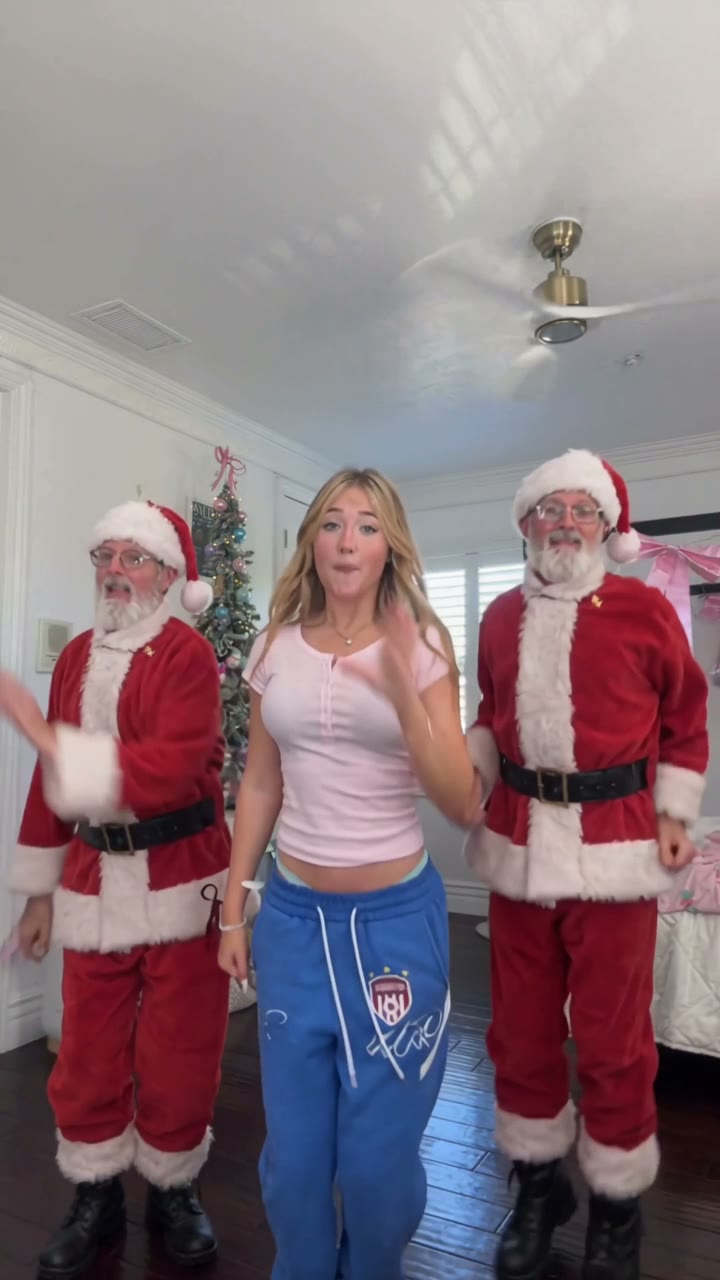
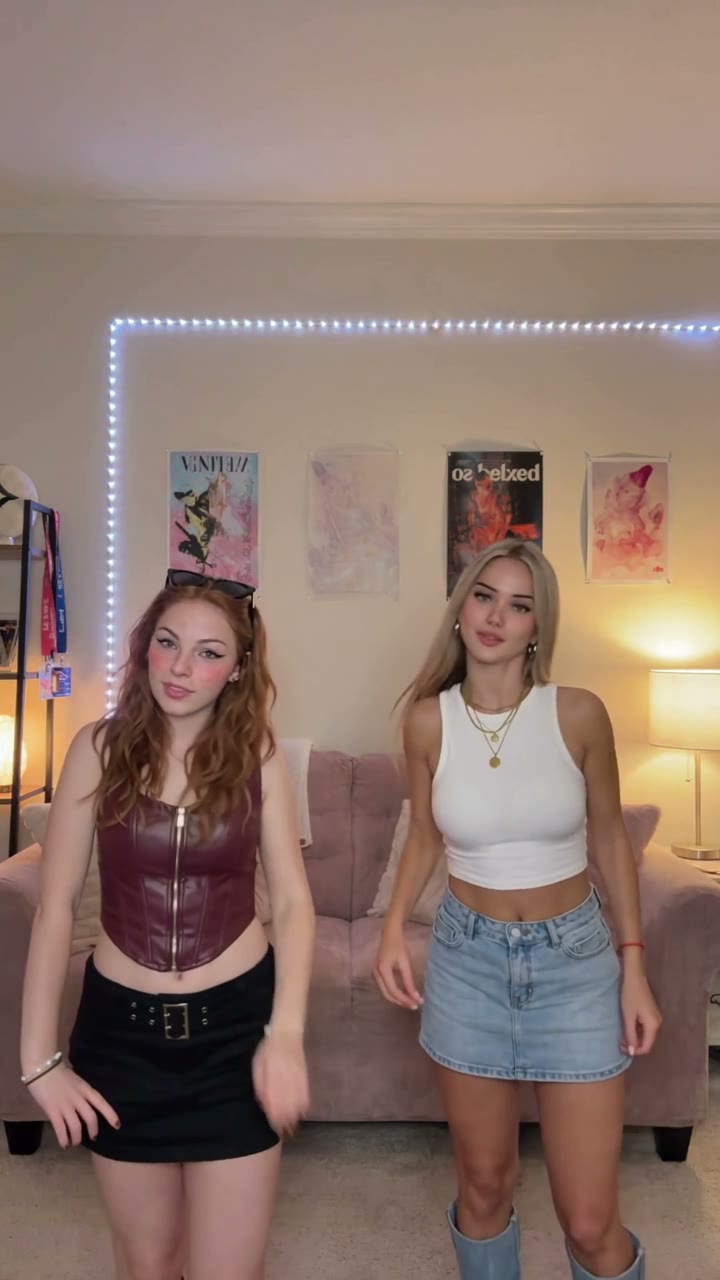
AI-generated video, not real footage. The reference is external material shown for context — not a customer result.
Grandma does not want another photo of the tree. She wants to see her grandson doing jazz hands in a Santa hat.
Explore this sceneA digital gift that arrives instantly, costs less than a box of chocolates and is impossible to re-gift.
Explore this sceneFor the group chat, the client list or the office Slack. One photo per person, one pack for the whole team.
Explore this sceneDuo is coming. Two photos, two dancers, one very confused family group. Solo is what ships today.
Every dance costs 1 credit. Buy a pack once; there is no renewal, no free trial that quietly becomes a monthly charge.
See how a focused photo-to-dance workflow differs from general video editors.
Choose a path based on photo quality, output length, editing control and budget.
Understand the silent MP4, vertical format and where to add licensed music.
Use one clear photo of one person, taken from the front in even light. A full-body shot with both feet inside the frame works best, because the effect has to dance with legs, shoes and arms. Avoid group photos, cropped feet, heavy shadows across the face, sunglasses and motion blur. A phone photo taken in a bright room is usually enough; you do not need a studio.
No. MerryMoves does not include, stream or generate those recordings, and we cannot license them for you. Wham!, Ariana Grande and similar holiday hits are protected as both composition and master recording. Your MerryMoves download is a silent 10-second clip. Add music inside TikTok, Reels, YouTube or your editor, where the platform’s own music library and licence apply to your post.
Only if you are the parent or legal guardian, or you hold the guardian’s explicit permission. Tick the consent box only when that is true. We do not publish children’s results in the public gallery, and we ask you not to post a child’s video publicly without the other guardian’s agreement. The model provider may still reject a minor’s photo; a rejection stops the task and returns the credits.
Videos render in minutes, but the queue gets festive in the last week of December. Make yours early, keep the download, and send it on the morning it matters.
AI-generated video, not real footage. Upload only photos you have permission to use. Videos featuring children require a parent or guardian’s consent. Music is added by you when you post — we do not include commercial Christmas recordings.